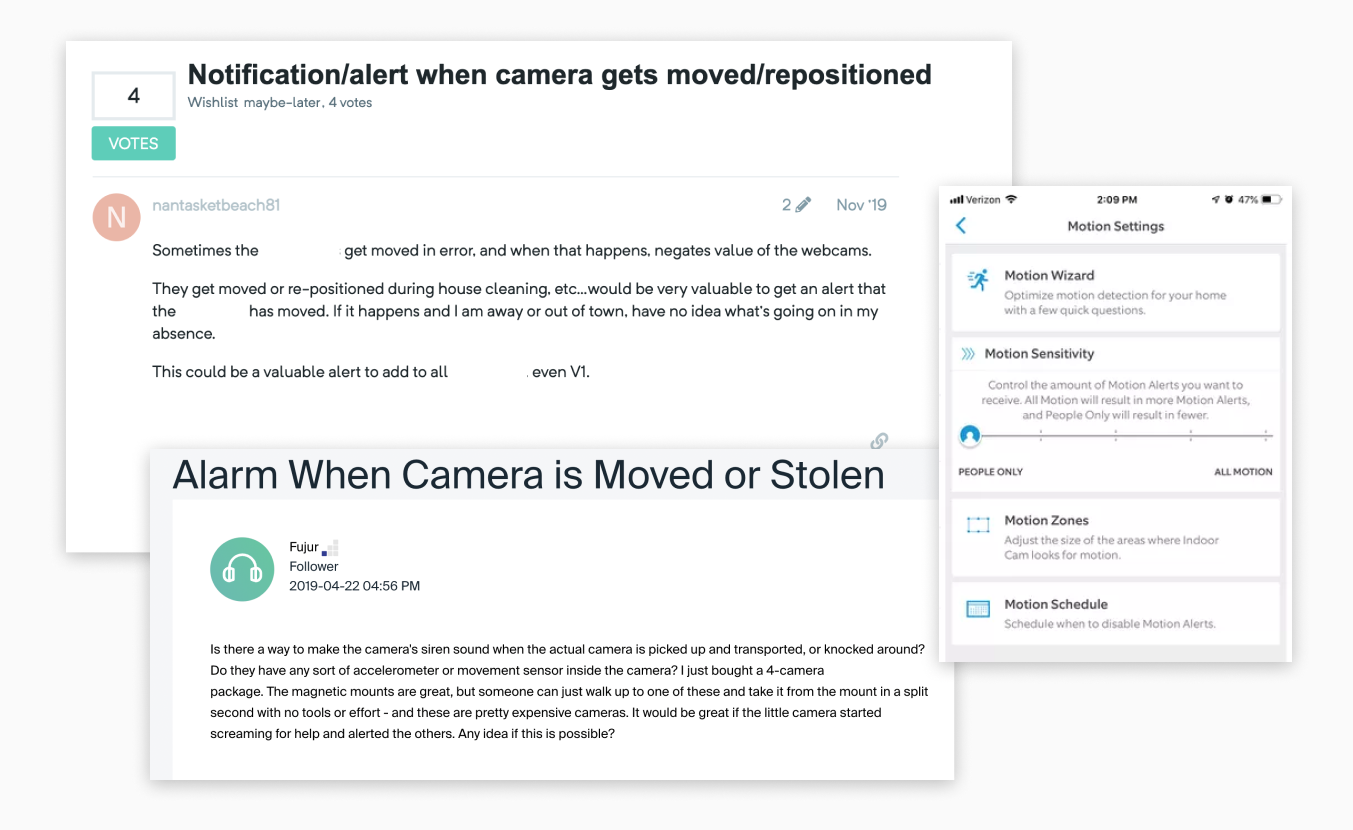
My initial task as a part of the research group was to conduct a landscape analysis into the current practices and other research.
Landscape Analysis
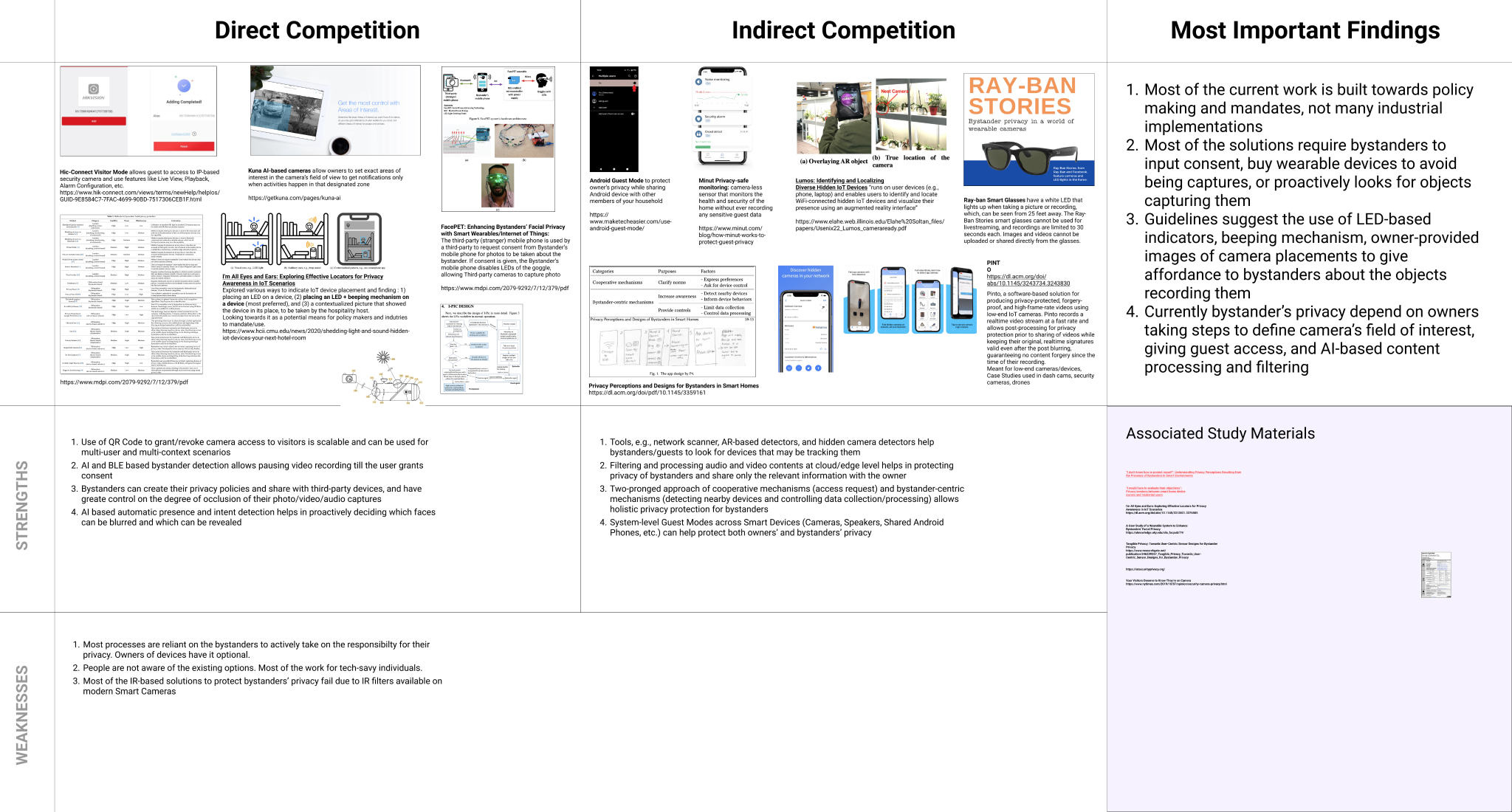
Here is the initial landscape analysis with direct and indirect work in the area.
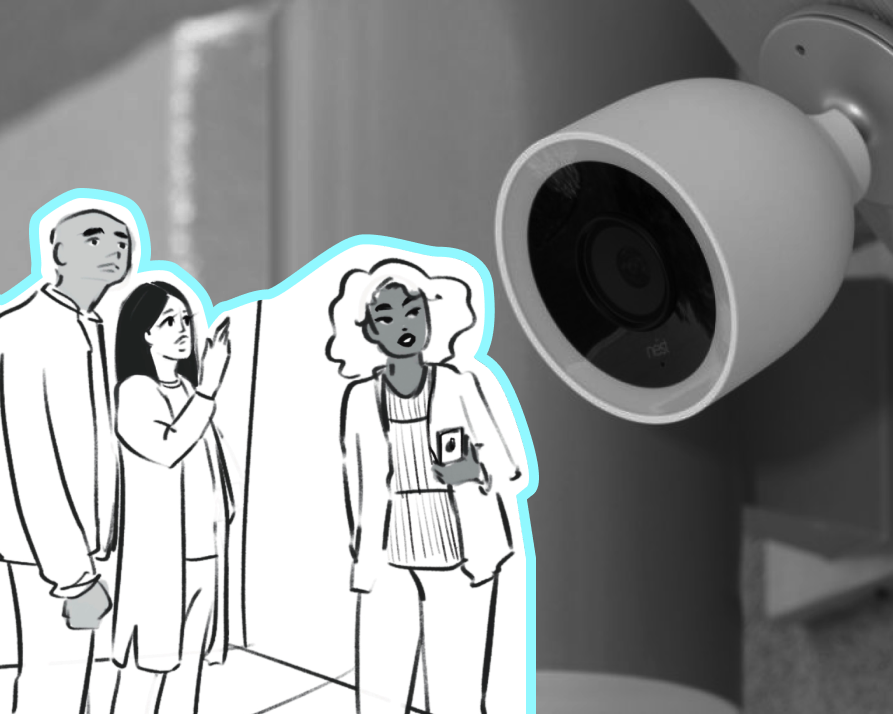
There are two main approaches to bystander privacy being worked on today: cooperative mechanisms (access request) and bystander-centric mechanisms (detecting nearby devices and controlling data collection/processing) that allow holistic privacy protection for bystanders.
- Most of the solutions require incidental users to input consent, buy wearable devices to avoid being captured, or proactively look for objects capturing them.
- People are not aware of the existing options. Most of the work for tech-savy individuals.
- Studies suggest using light indicators, sounds, owner-provided images of camera placements to give affordance to incidental users about the objects recording them.
- Most processes are reliant on the bystanders to actively take on the responsibility for their privacy. Owners of devices have it optional.
Currently, bystander’s privacy depends on owners taking steps to define the camera's field of interest, giving guests access, and AI-based content processing and filtering. Most of the solutions require bystanders to input consent, buy wearable devices to avoid being captured, or proactively look for objects capturing them. Also, a large part of the current work is built towards policy making and mandates with not many industrial implementations.
Privacy System Diagram: Smart Sensing Device
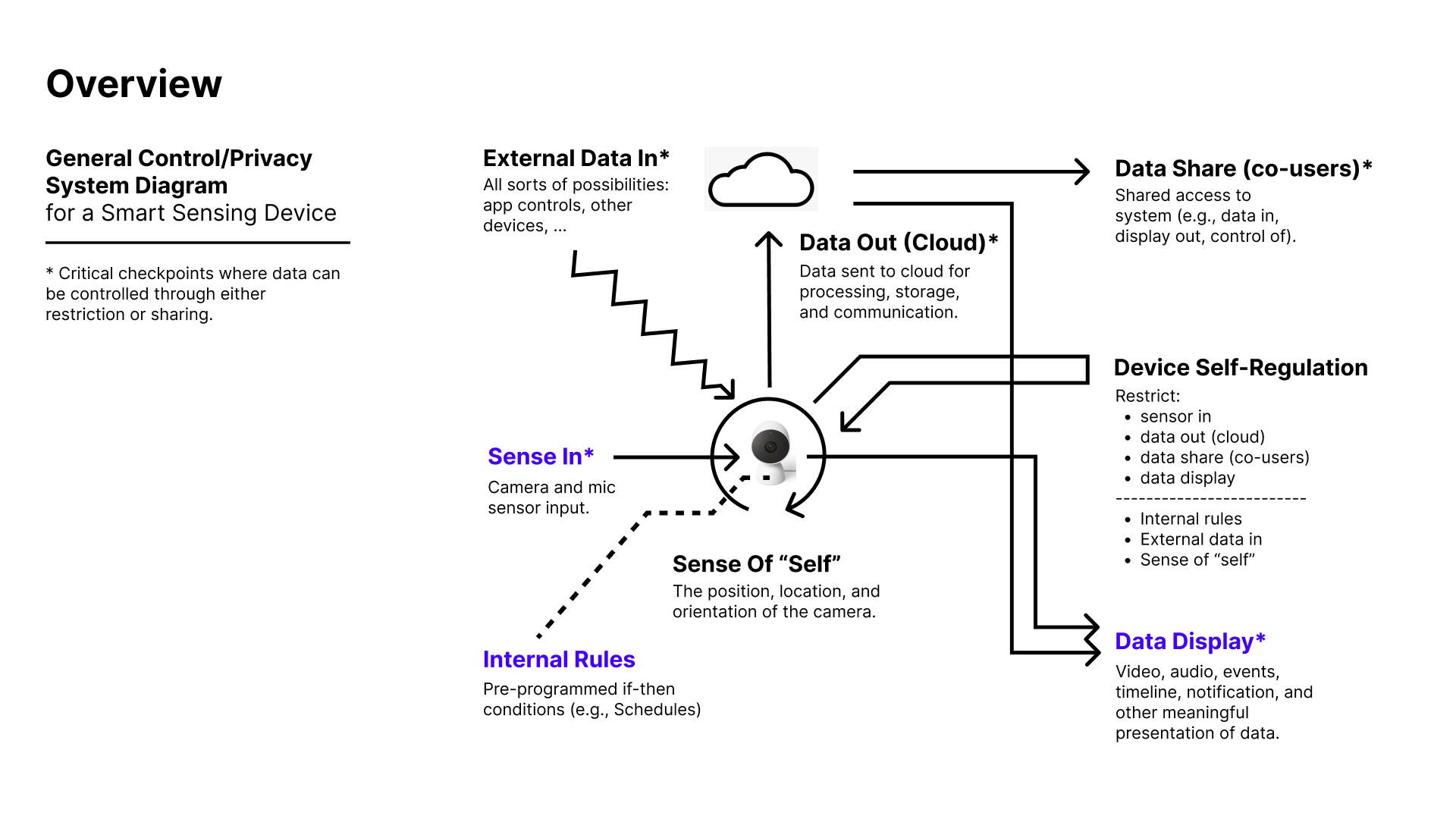
A system diagram that we referred to on our discussions to establish the device system.
The system diagram places how the IOT device and my work further was on the items highlighted in blue (sensed data, it's display and internal rules).
Existing Concepts and Work
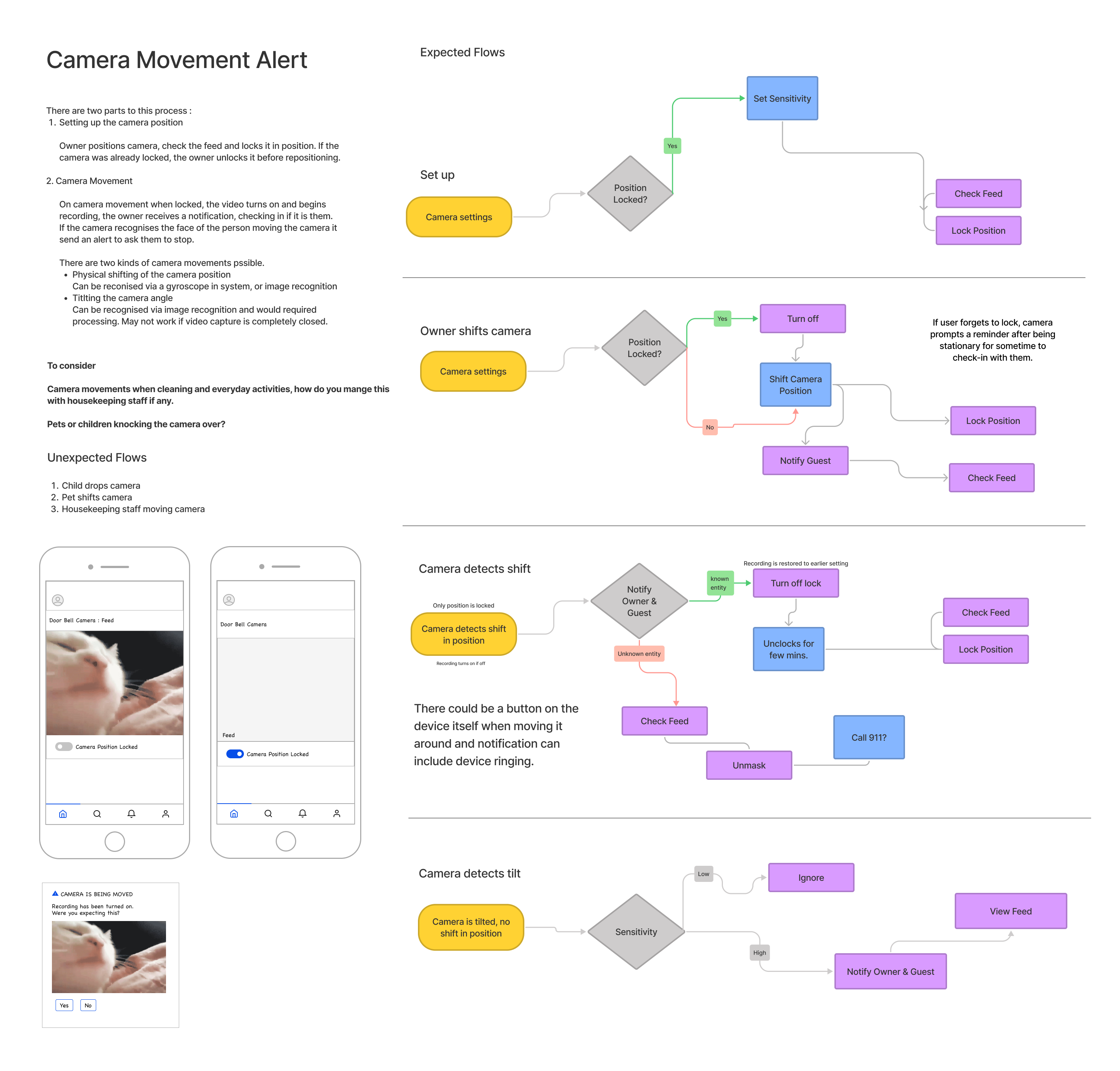
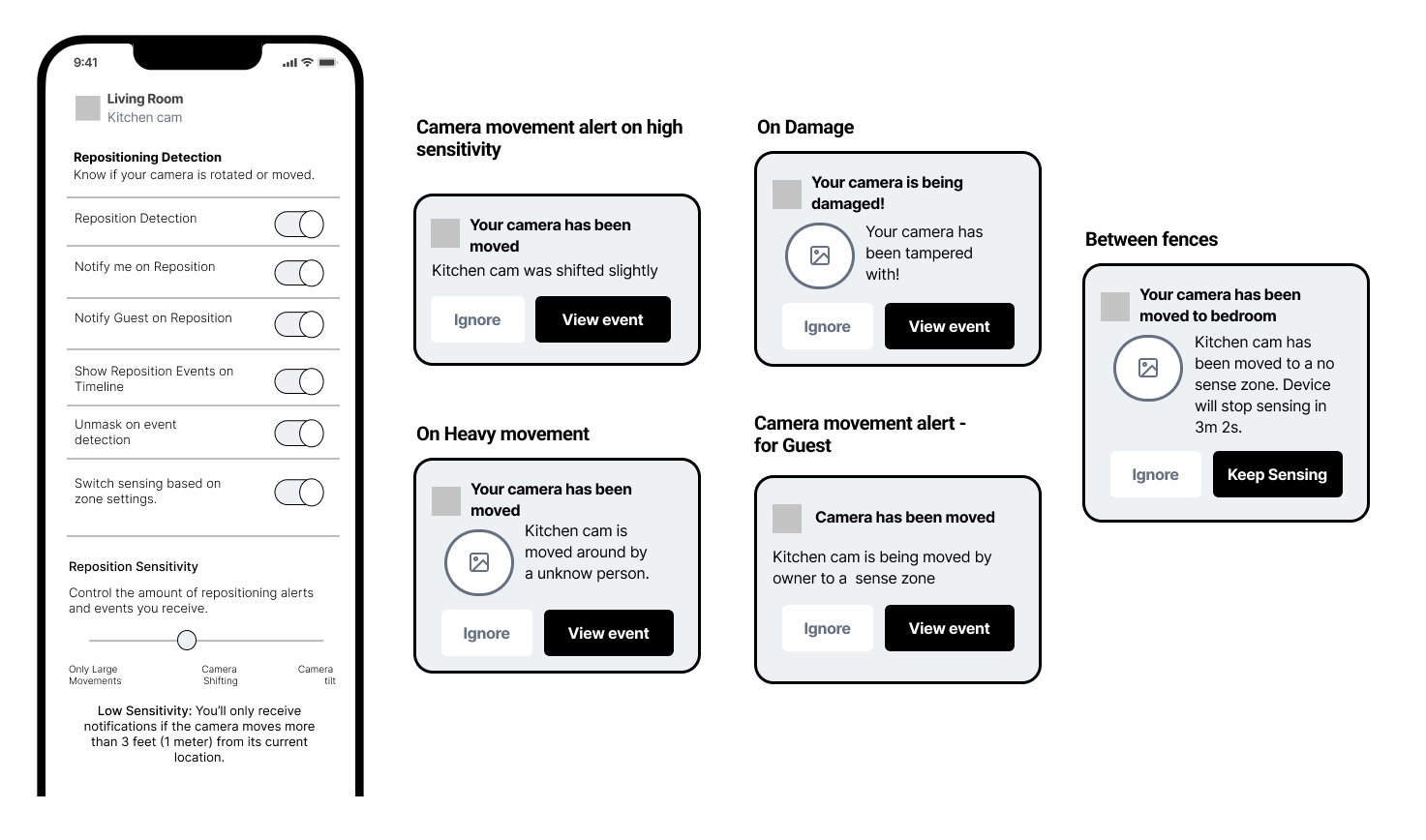
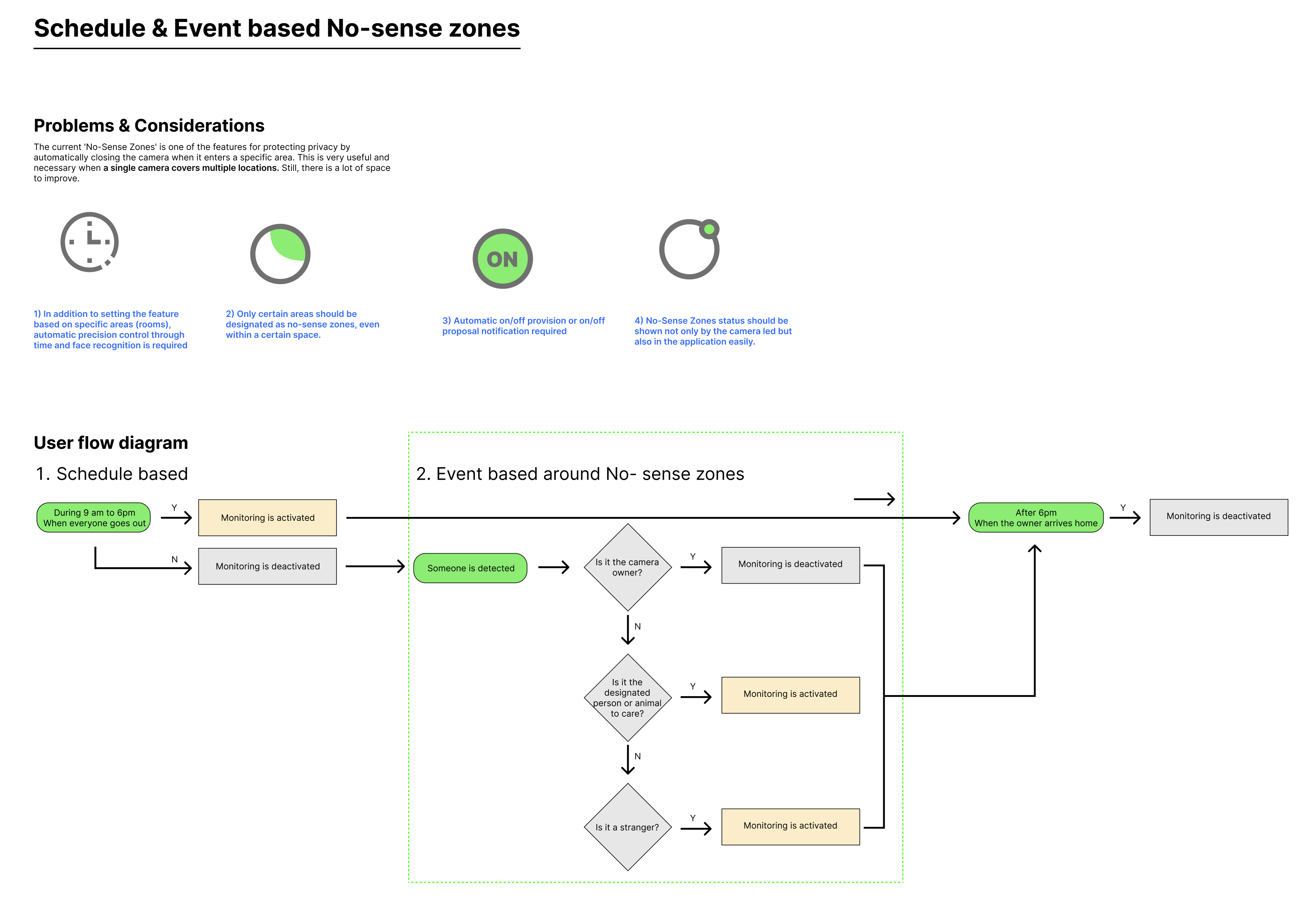
The research group so far was exploring 2 main concepts with sub features:
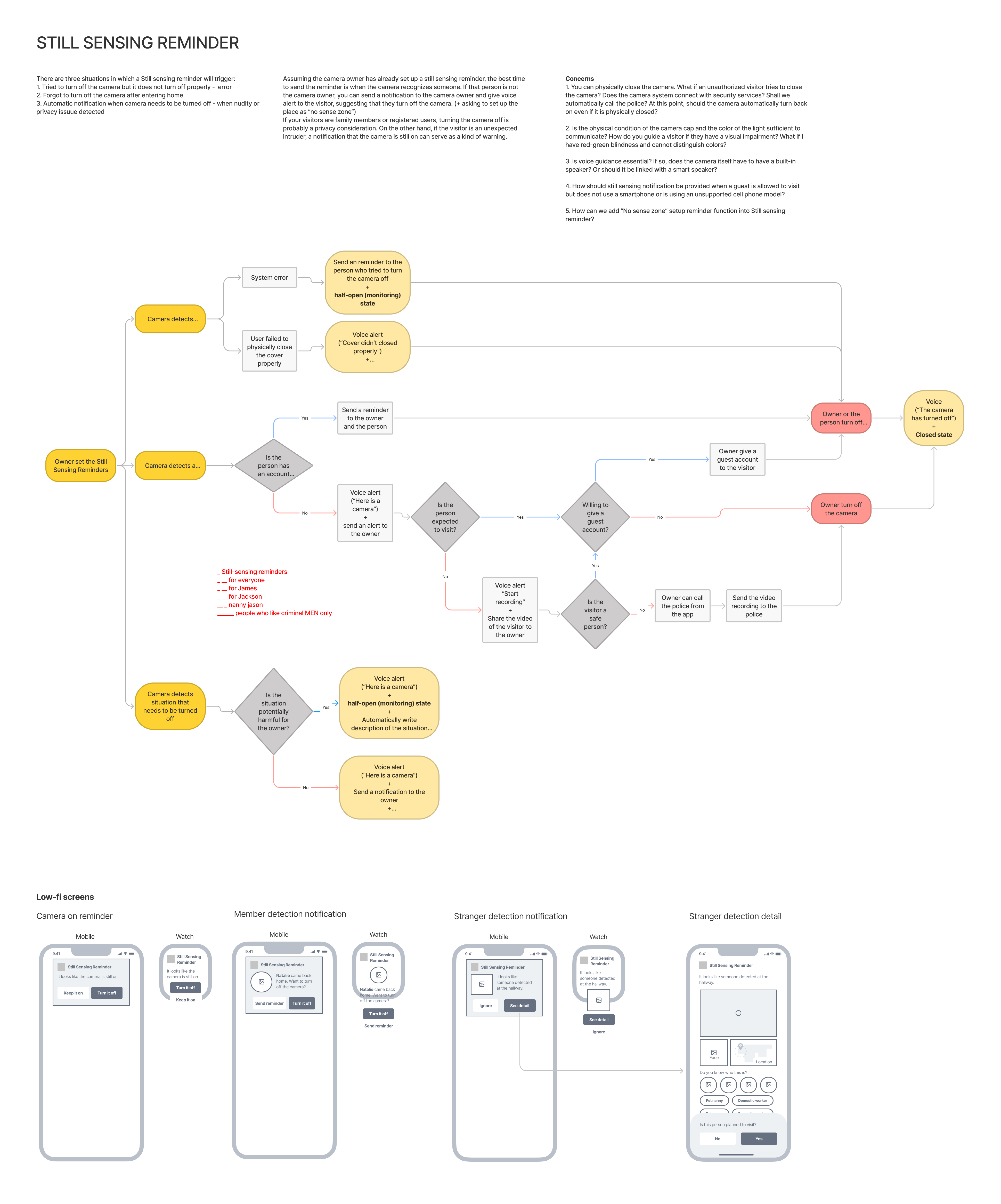
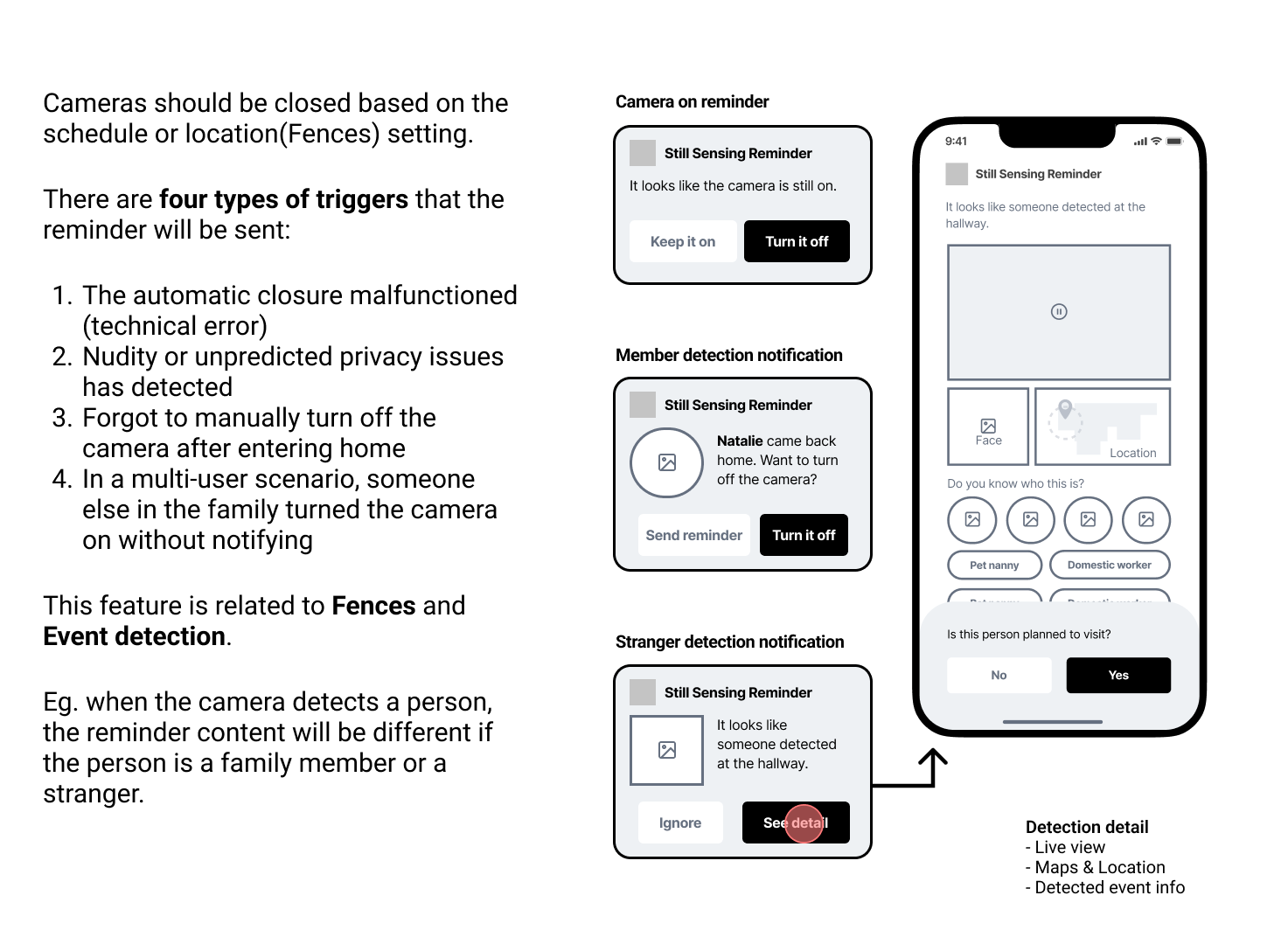
Closed Mode
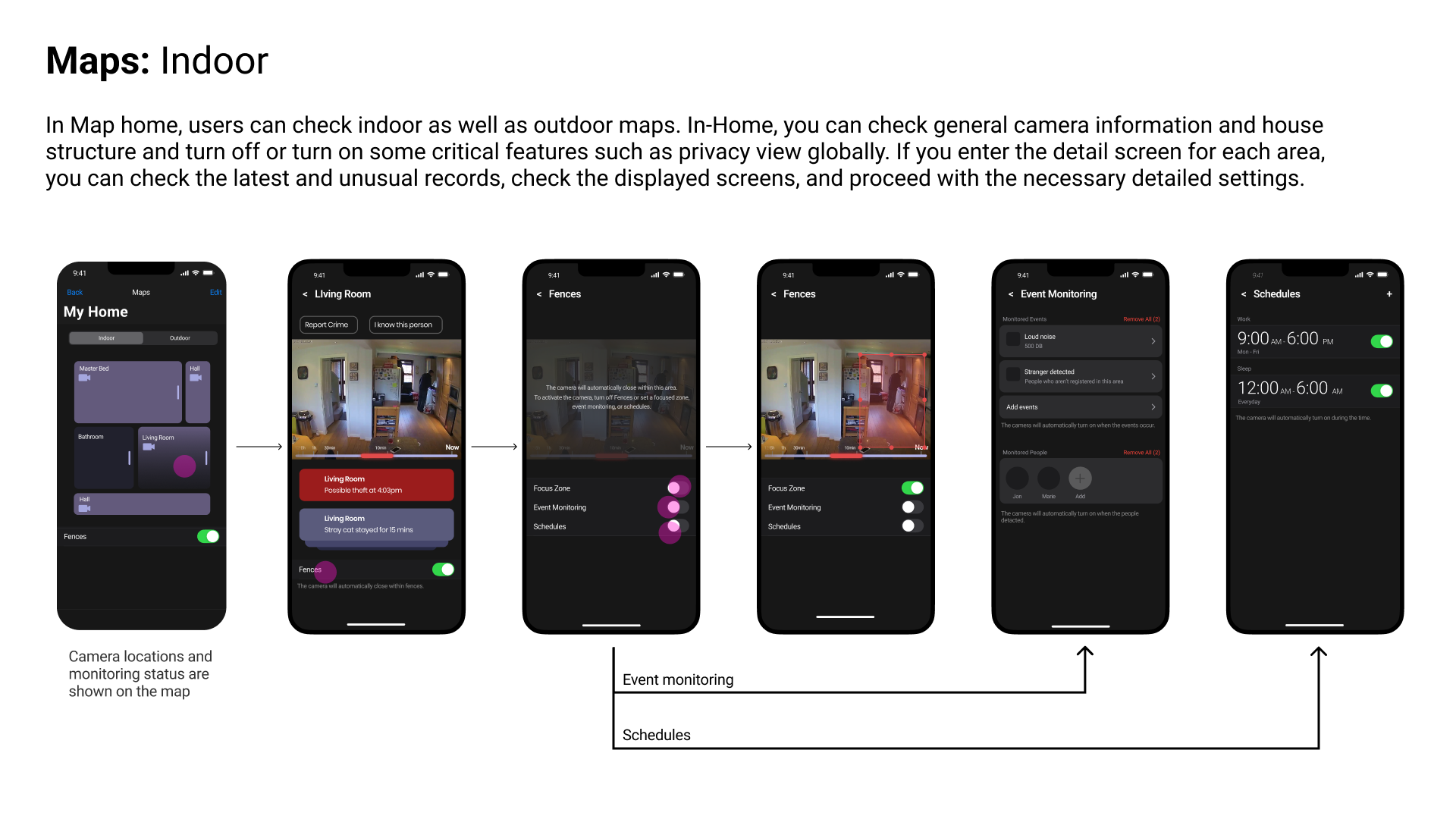
Closed mode is explores features that communicates the sensing status of a smart camera to nearby actors.
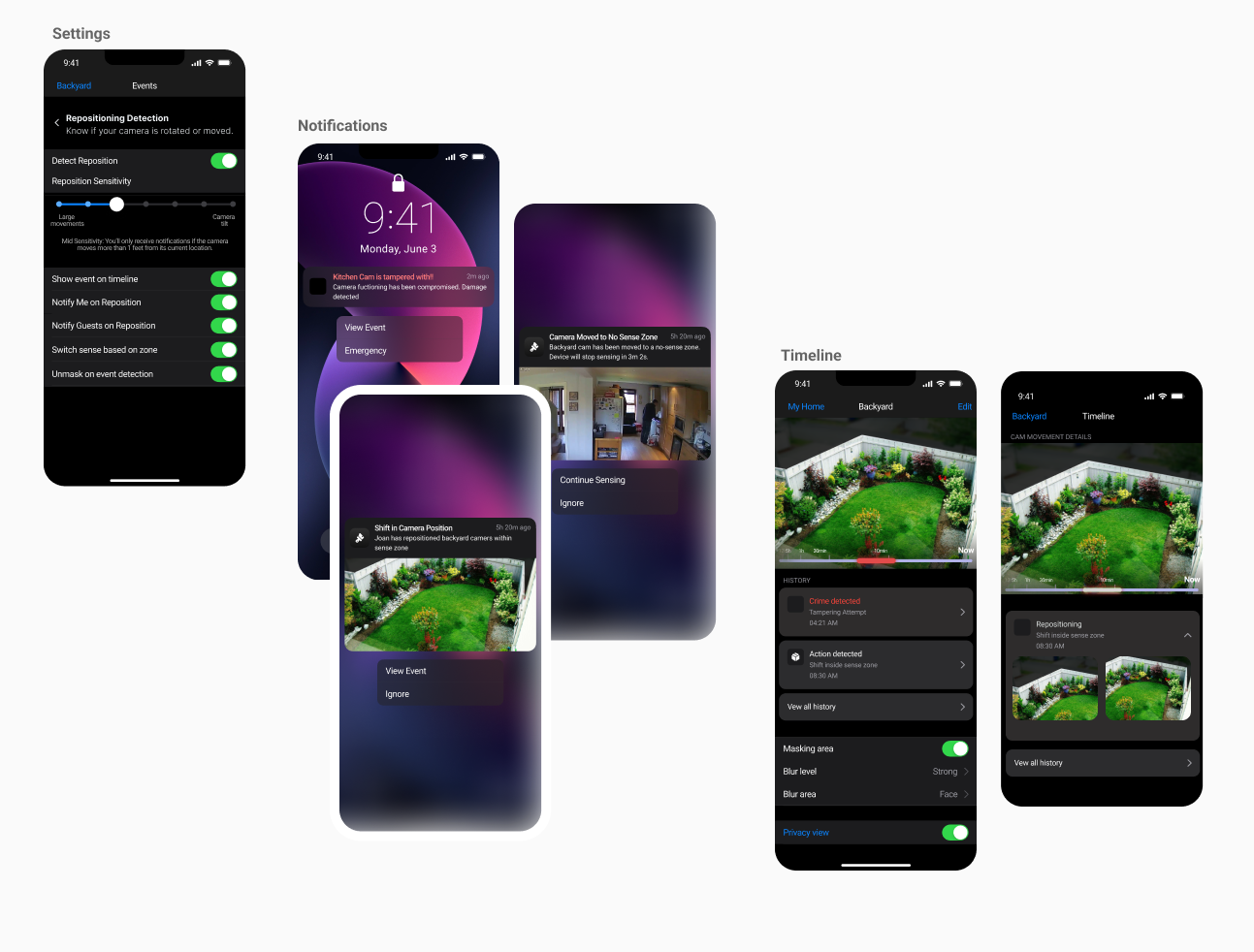
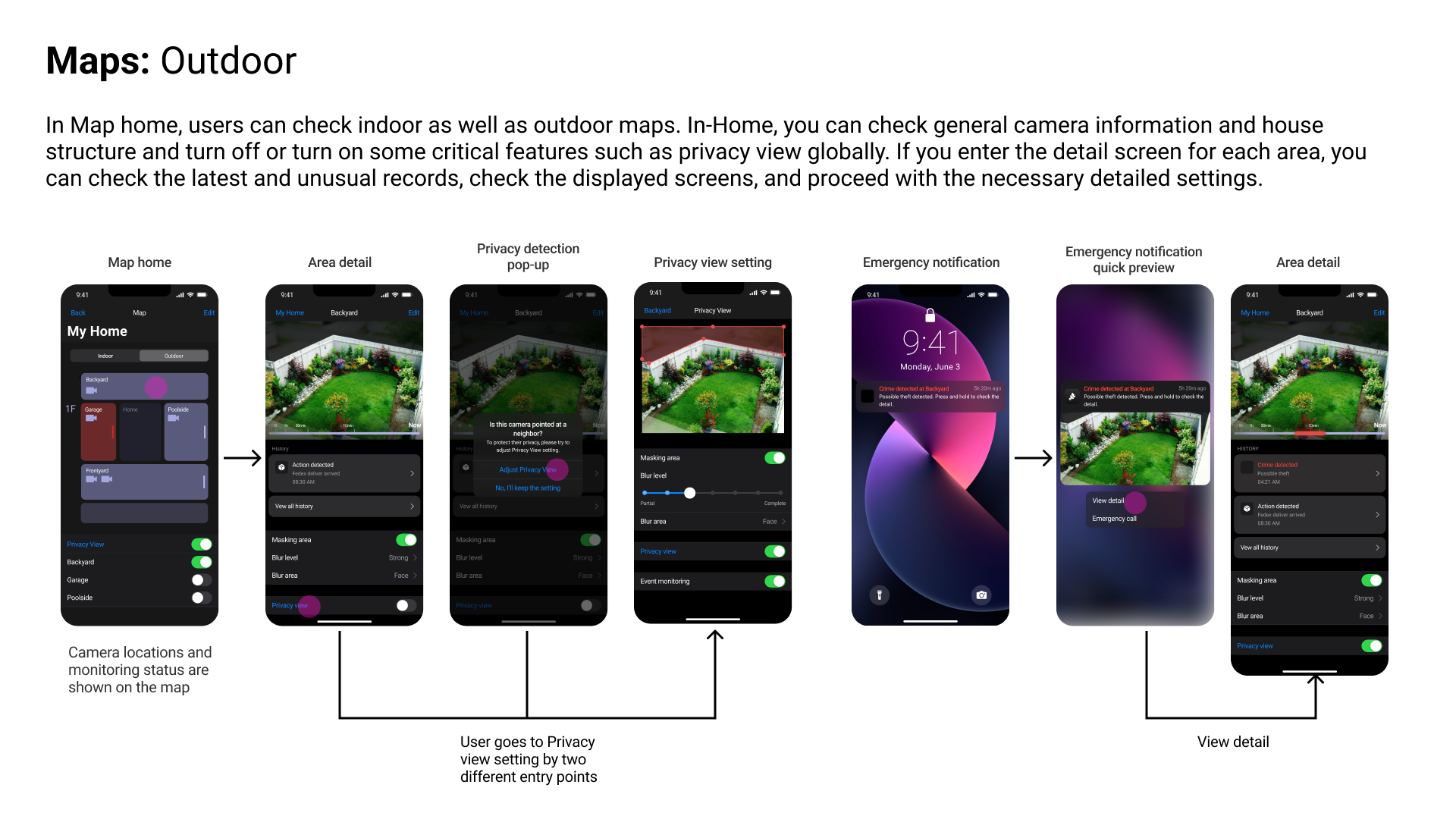
Guest Access
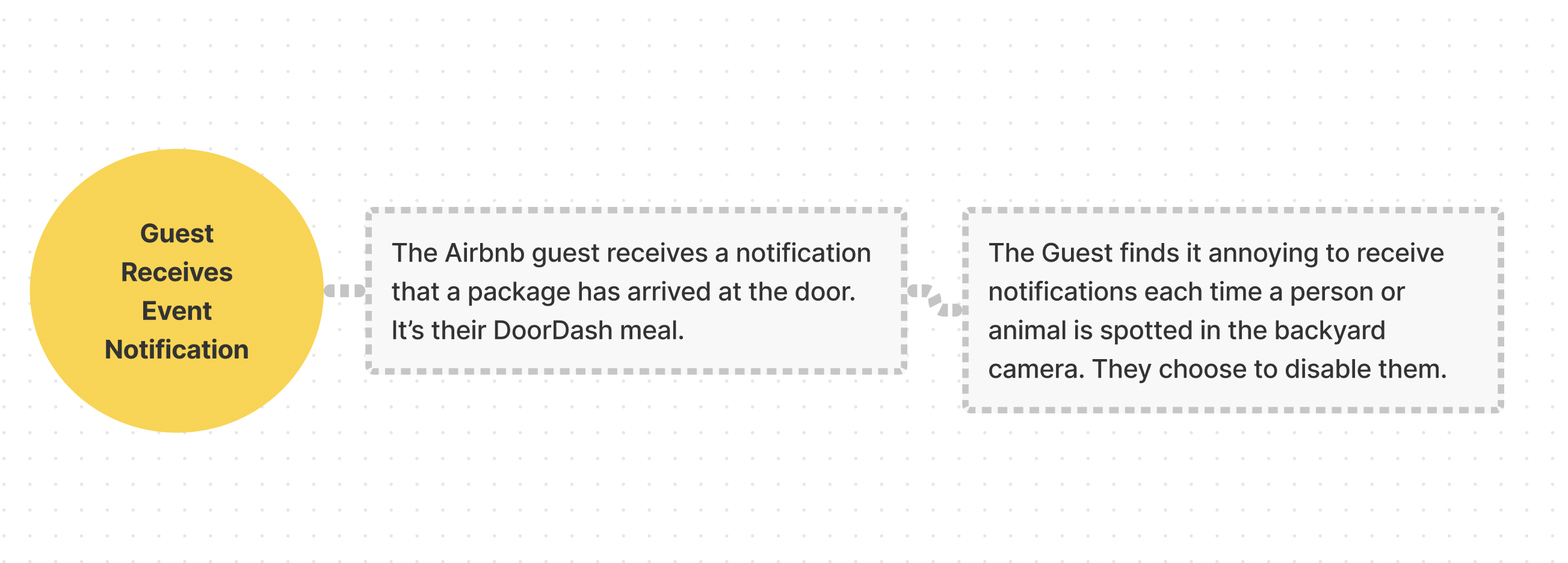
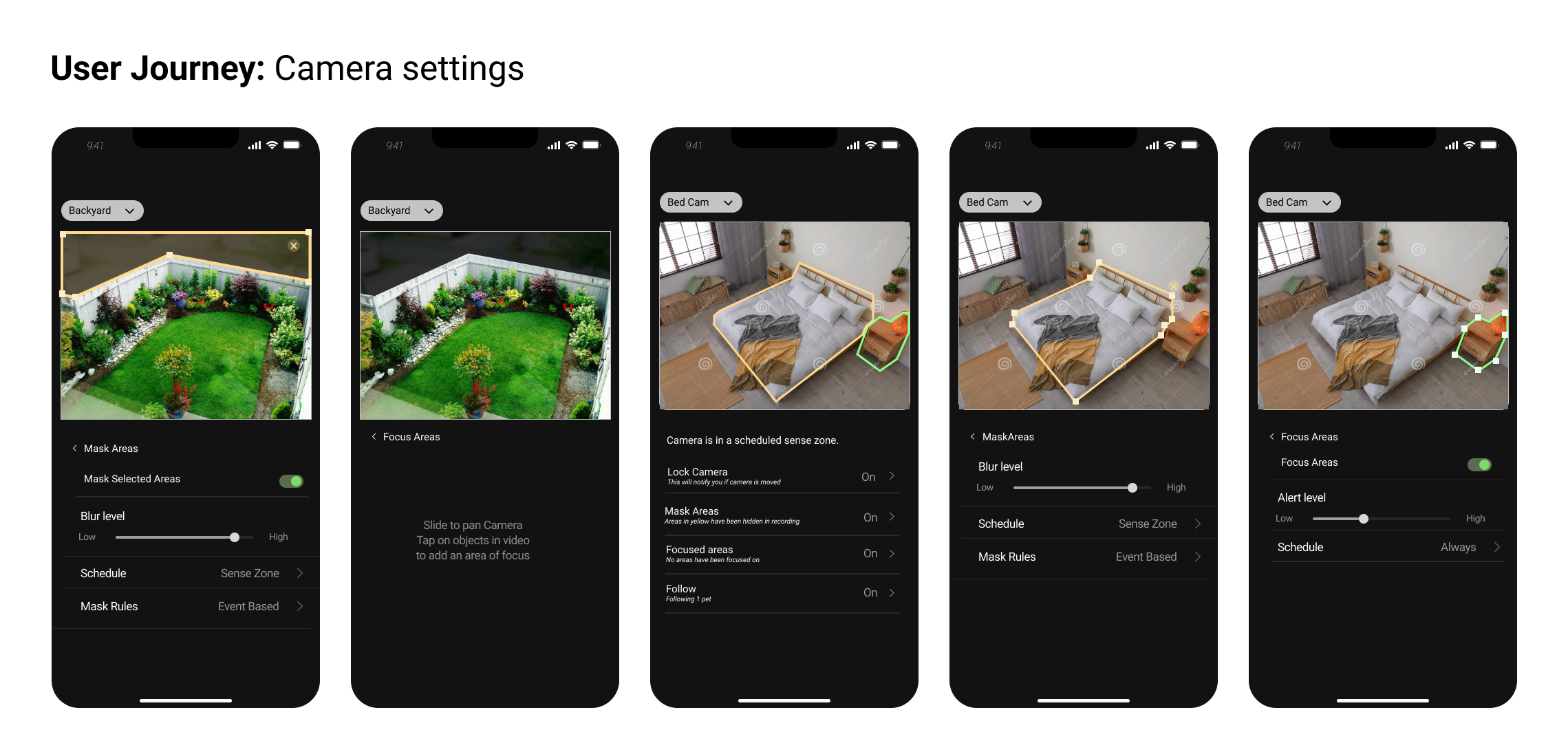
Guest Account enables owners to give limited access to the smart cameras to improve a guest’s privacy & trust.




.png)
.png)